- Spanish-Latin America
- Japanese-JP
- Chinese
- Europe
- Português-BR

Tech Support
(888) 598-9901
Hours: Mon-Fri 8AM-8PM EST
nep-usa@site_ea168614-f5f4-4298-bd5b-880b4cf8d99d
How to Choose a Fiber Media Converter in 2026?
Choosing the right Fiber Media Converter in 2026 requires more than comparing prices and port counts. Networks now demand stable performance, stronger security, and practical support for mixed copper and fiber environments. A converter may connect a new fiber backbone to an older Ethernet device, but small specification errors can cause serious downtime.
Look beyond advertised speed. Check the fiber type, transmission distance, connector design, duplex mode, and supported Ethernet standards. A single-mode converter may suit a 20-kilometer campus link, while multimode equipment often fits shorter connections inside a building. Confirm the copper port speed, power input, operating temperature, and management features before ordering. These details matter in a crowded rack, where heat, dust, and limited outlets can affect reliability.
Field experience also changes the decision. An unmanaged unit can work well for a simple camera link, while a managed model offers alarms, diagnostics, and remote configuration for critical infrastructure. I have seen installations fail because engineers ignored power redundancy or selected the wrong wavelength. That mistake is easy to repeat.
Do not trust every product claim.
Reliable selection also depends on the supplier’s documentation, warranty, firmware policy, and technical response. Look for tested compatibility with switches, industrial devices, and existing fiber modules. Standards compliance supports confidence, but it does not replace real testing. A short bench test can reveal negotiation problems before deployment. The best choice balances present requirements with realistic expansion, without paying for features the network will never use. Even careful planning can miss one detail. Review it again.
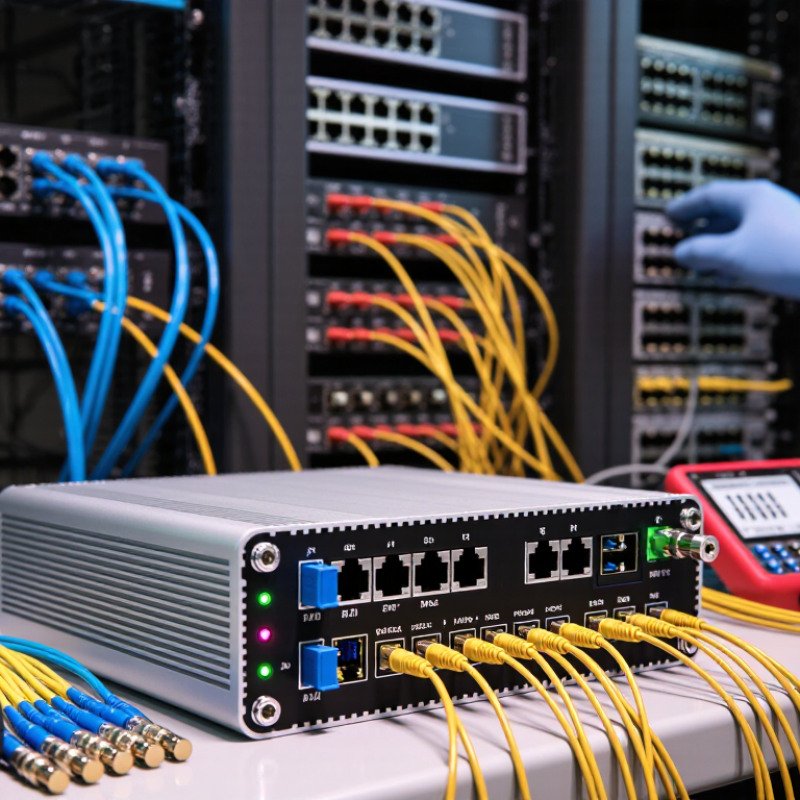
Fiber Media Converter Basics and Its Role in Modern Networks
Fiber media converters solve a simple physical mismatch. They translate electrical Ethernet signals into optical signals, then return them at the other end. This allows copper networks to connect with fiber links without replacing every device. Their role is increasingly practical. The International Telecommunication Union reported 5.5 billion internet users in 2024. OECD broadband data also showed fiber represented more than 40% of fixed broadband connections across member economies. These figures reflect growing demand for longer, faster, and more stable network paths.
When choosing in 2026, match the converter with the entire link. Check Ethernet speed, fiber type, transmission distance, wavelength, connector, and duplex mode. Single-mode fiber suits long campus or metropolitan links. Multimode fiber usually fits shorter building connections. Managed converters add diagnostics, alarms, and remote configuration. Unmanaged models are simpler, but troubleshooting can become slower. IEEE 802.3 standards help verify compatibility. Still, a standards label does not guarantee smooth operation. Field installations often expose overlooked issues, especially poor connectors, mismatched optics, and inadequate power supplies.
Tips: Map both endpoints before purchasing. Confirm optical power budgets. Leave capacity for future upgrades. Test the link under real traffic, not only with a basic light meter. A small mistake here can create intermittent faults that resemble switch failures.
Get in touch
Our mission is to develop cutting-edge clean energy technology and provide next-generation solar inverters.
Phone
(888) 598-9901
nep-usa@site_ea168614-f5f4-4298-bd5b-880b4cf8d99d
