- Spanish-Latin America
- Japanese-JP
- Chinese
- Europe
- Português-BR

Tech Support
(888) 598-9901
Hours: Mon-Fri 8AM-8PM EST
nep-usa@site_ea168614-f5f4-4298-bd5b-880b4cf8d99d
10 Best Smart Whiteboards for Business in 2026
In 2026, choosing a Smart Whiteboard is about more than replacing markers with a touchscreen. It means finding a reliable meeting partner: one that wakes quickly, captures clear writing, and lets remote colleagues follow the discussion without squinting at a blurry camera feed. A crowded sales room has different needs from a small design studio. The right choice depends on how people actually work.
Management thinker Peter Drucker observed, “The most important thing in communication is hearing what isn’t said.” That insight matters in hybrid meetings, where pauses, gestures, and quick sketches can disappear across a screen. A capable board should make those contributions easier to share—not add another layer of menus and setup. Still, no device can rescue a meeting with no clear purpose. That part is on us.
This guide compares ten business-ready options for 2026, looking at display quality, writing feel, collaboration tools, connectivity, security features, and ongoing costs. We also consider practical details buyers can overlook: glare from a sunny window, whether guest laptops connect easily, and how well saved notes remain readable afterward. Specifications help, but they do not tell the whole story. Use this shortlist to identify strong candidates, then test your preferred model with the people who will use it every week.
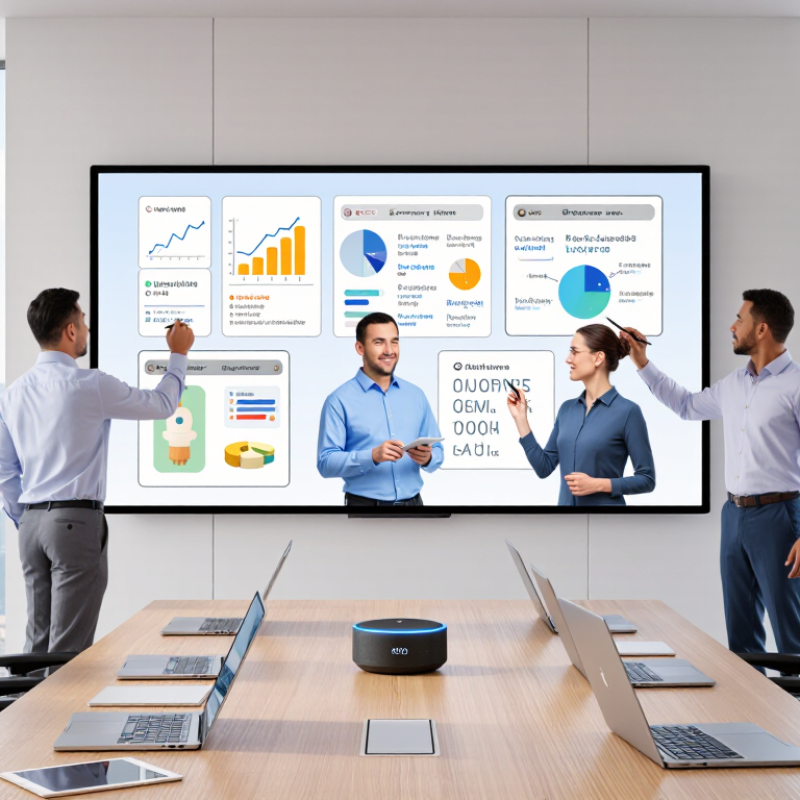
What Smart Whiteboards Are and How Businesses Use Them
A smart whiteboard is a digital workspace designed for shared thinking. It combines a large touch display, writing tools, wireless sharing, and cloud-based collaboration. Unlike a traditional board, it can save notes, organize diagrams, and connect remote participants in real time. In a meeting room, teams might sketch a product flow, edit a budget, or review a project timeline. That sounds simple. In practice, results depend on setup, training, and reliable network access.
Businesses often use smart whiteboards for workshops, sales planning, employee training, and hybrid meetings. A project team can photograph handwritten notes, convert them into tasks, and assign owners before leaving the room. Trainers can display a process, invite responses, and revisit the session later. Experienced facilitators keep sessions focused by using clear templates and visible time limits. Otherwise, the board may become an expensive screen.
Good implementation also requires practical safeguards. Organizations should control account permissions, protect meeting records, and explain where shared files are stored. Accessibility matters too. Adjustable text sizes, strong contrast, and readable handwriting support more participants. However, automatic handwriting conversion is not always accurate. Abbreviations, accents, and rushed notes can create errors. I have found that a quick human review prevents confusion. Teams should measure adoption, meeting time, and follow-up completion instead of assuming newer hardware will improve collaboration automatically.
Get in touch
Our mission is to develop cutting-edge clean energy technology and provide next-generation solar inverters.
Phone
(888) 598-9901
nep-usa@site_ea168614-f5f4-4298-bd5b-880b4cf8d99d
